
DIGITAL AGILITY
Wir entwickeln digitale Plattformen, Webservices, WordPress Websites & Online Shops. Technologieoffen, innovativ, individuell. Lassen Sie sich von uns inspirieren.
KI Seminare
KI Einstieg & Vertiefung
Unsere KI-Workshops und Seminare sind darauf ausgelegt, Ihnen und Ihrem Team praktisches Wissen und Fähigkeiten zu vermitteln, um Potentiale zu erkennen und KI produktiv einzusetzen.
- Einsteiger
- Professionals
- Führungskräfte
- Teams
Unsere Expertisen
Technische Exzellenz
Mit umfassender Kenntnis dynamischer, komplexer Projekte setzen wir agile Strategien ein, um proaktiv auf Herausforderungen zu reagieren und kritische Stressmomente im Projektverlauf effizient zu vermeiden. Wir lösen technische Schulden auf, transformieren historisches Chaos in neue Ordnung und positionieren uns als Ihre erste Anlaufstelle für nachhaltige Digitalisierung.
Die Agile Enterprise-Level Entwicklung stellt eine Evolution in der Art und Weise dar, wie wir Software entwickeln und ausliefern. Anstatt sich auf starre, langwierige Entwicklungszyklen zu verlassen, setzen wir auf Flexibilität, Anpassungsfähigkeit und kontinuierliche Verbesserung. Die Vorteile sind klar: schnellere Markteinführung, höhere Produktqualität und verbesserte Teamzusammenarbeit.
Wir legen großen Wert auf durchdachte Konzeptionierung, anspruchsvolles Design und solide Architektur. Unsere Experten kreieren Lösungen, die nicht nur ästhetisch ansprechend, sondern auch funktional und zukunftssicher sind. Bei Bedarf erstellen oder modernisieren wir das CI / CD für Ihr Unternehmen oder Digitalisierungsprojekt.
Unser Team verbindet jahrelange Erfahrung in der Entwicklung digitaler Prozesse. Gemeinsam erkunden wir mir unseren Kunden die Möglichkeiten der Digitalisierung für ihr Unternehmen und beraten umfassend, um Prozesse zukunftsfähig und nachhaltig zu gestalten.
Wir legen wir großen Wert auf Nutzerfreundlichkeit, um Ihren Kunden das bestmögliche Einkaufserlebnis zu bieten. Wir optimieren die Ladegeschwindigkeit und den Pagespeed, um Absprungraten und Klickpreise zu minimieren. Wir unterstützten bei der Einbindung moderner Tracking-Tools und entwickeln Schnittstellen zu Warenwirtschaftssystemen und anderen Services. Ob Neu- oder Weiterentwicklung, wir bringen Ihren Online-Shop auf das nächste Level!
Wartung von Webseiten und Onlineshops ist entscheidend für einen reibungslosen Betrieb und die Sicherheit Ihrer Online-Präsenz. Regelmäßige Updates, Sicherheitsüberprüfungen und Performance-Optimierungen gewährleisten, dass Ihre Website stets aktuell und vor potenziellen Bedrohungen geschützt ist. Unsere Experten überwachen kontinuierlich und sorgen dafür, dass Ihr digitaler Auftritt immer im besten Licht erscheint und Ihren Kunden ein optimales Erlebnis bietet.


Beratung
Unsere Beratung hilft Ihnen Risiken zu minimieren und nachhaltig bessere strategische Entscheidungen treffen.
- Konzeptberatung Design & Software
- Fördermittelberatung
- Strategische Beratung
- Projektmanagement
- Cyber Sicherheit

Entwicklung
Wir digitalisieren Ihre Business-kritischen Prozessen und automatisieren Ihren Workflow.
- WordPress
- Custom Programmierung
- Web Applikationen / Webservices
- Automatisierung
- eCommerce
Design
Eine erstklassige Designästhetik ist von zentraler Bedeutung für die Präsentation und Wahrnehmung Ihres Unternehmens nach außen.
- UX-/UI-Design
- Corporate Design
- Webdesign
- Screendesign
- App-Design
Infrastruktur
Von Hosting über Domains bis hin zu Sicherheits- und Skalierungslösungen, legen wir das solide Fundament für Ihren Online-Erfolg.
- Pflege & Wartung
- Dedicated Cloud Hosting
- Vertikale und horizontale Skalierung
- Up-Time Monitoring
- Self-Hosted Tracking
- Persönlicher Support
Unsere Talente
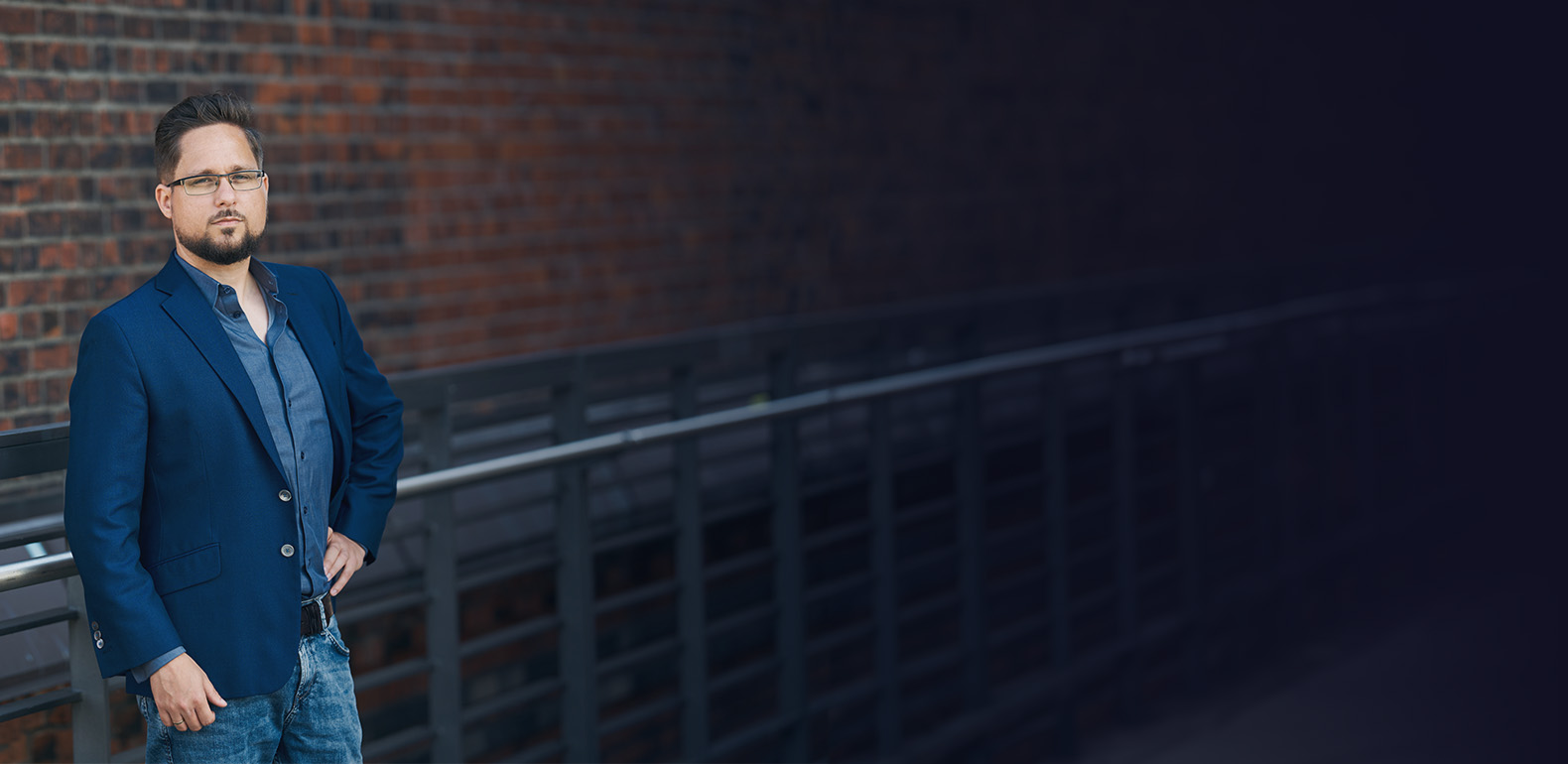
Matthias Bathke
GeschäftsführungSo wie Luhmann die Gesellschaft mit einem Netz aus Kommunikation verglich und nicht mit einer Masse von Menschen, sehen wir die IT-Landschaft als ein Orchester. Es kommt nicht auf die Anzahl der Instrumente an, sondern darauf, wie sie gespielt werden. Wir hören erst genau hin, bevor wir dirigieren.
CEO
Matthias BathkeSo wie Luhmann die Gesellschaft mit einem Netz aus Kommunikation verglich und nicht mit einer Masse von Menschen, sehen wir die IT-Landschaft als ein Orchester. Es kommt nicht auf die Anzahl der Instrumente an, sondern darauf, wie sie gespielt werden. Wir hören erst genau hin, bevor wir dirigieren.
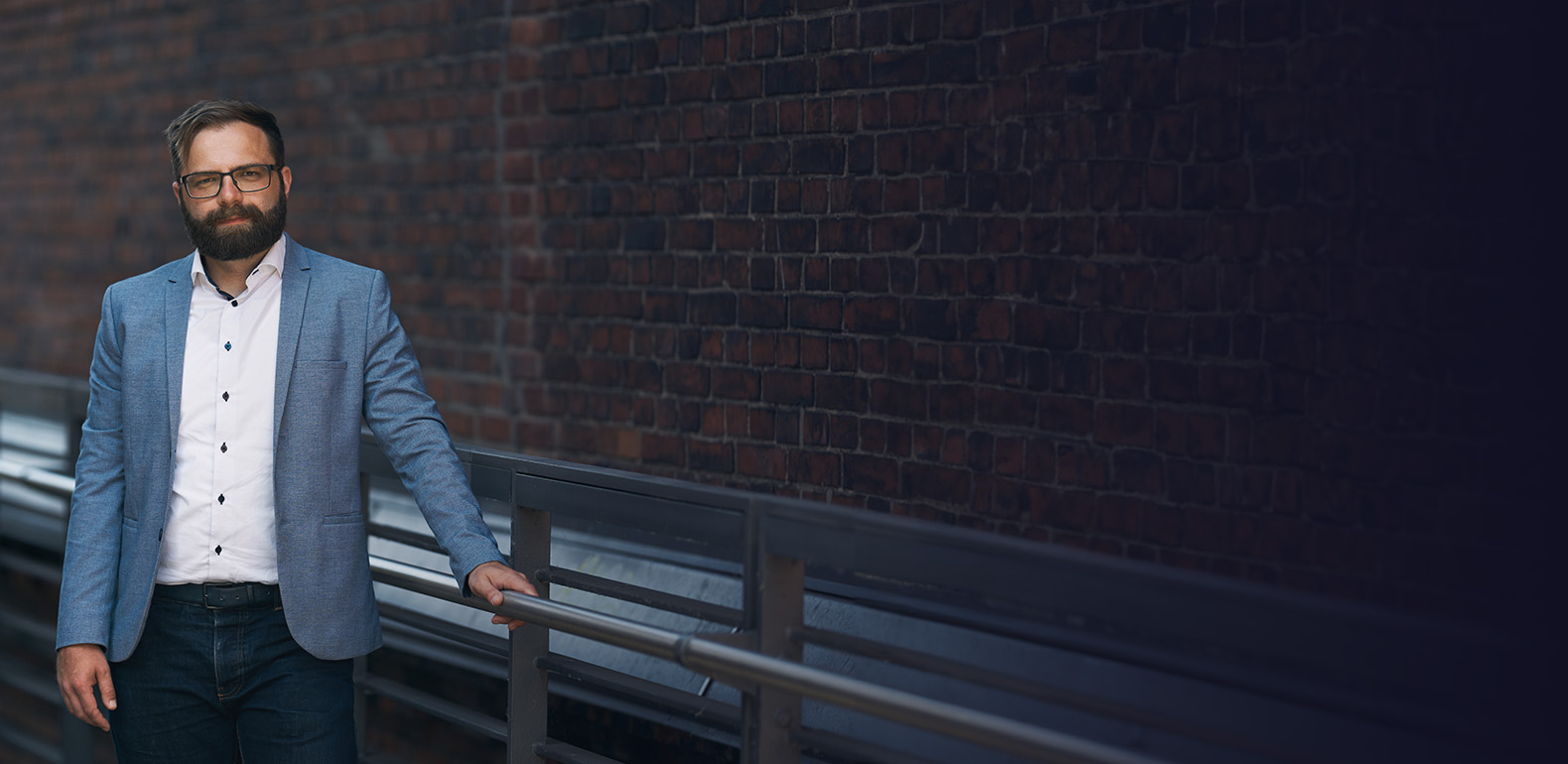
Dennis Heiden
GeschäftsführungIch bin davon überzeugt, dass transparente Kommunikation der Schlüssel für eine gesunde Kundenbeziehung ist und entscheidend dazu beiträgt, dass Stakeholder bessere Entscheidungen treffen. Meine Leidenschaft liegt in der Beratung zu Web-Applikationen und API-Schnittstellen. Es ist mir wichtig, dass unsere Lösungen nicht nur technisch, sondern auch wirtschaftlich sinnvoll sind.
CEO
Dennis HeidenIch bin davon überzeugt, dass transparente Kommunikation der Schlüssel für eine gesunde Kundenbeziehung ist und entscheidend dazu beiträgt, dass Stakeholder bessere Entscheidungen treffen. Meine Leidenschaft liegt in der Beratung zu Web-Applikationen und API-Schnittstellen. Es ist mir wichtig, dass unsere Lösungen nicht nur technisch, sondern auch wirtschaftlich sinnvoll sind.

Florian Herzog
EntwicklungIn der Webentwicklung begeistert mich, dass es oft viele Wege gibt, ein Ziel zu erreichen. Dabei ist der Austausch mit meinen Kollegen nicht nur bereichernd, sondern kann zu faszinierenden neuen Erkenntnissen führen. Im zwischenmenschlichen Miteinander setze ich auf Wertschätzung und Empathie, denn diese Werte sind für mich essenziell, um gemeinsam Großartiges zu schaffen.
DEV
Florian HerzogIn der Webentwicklung begeistert mich, dass es oft viele Wege gibt, ein Ziel zu erreichen. Dabei ist der Austausch mit meinen Kollegen nicht nur bereichernd, sondern kann zu faszinierenden neuen Erkenntnissen führen. Im zwischenmenschlichen Miteinander setze ich auf Wertschätzung und Empathie, denn diese Werte sind für mich essenziell, um gemeinsam Großartiges zu schaffen.
Charline-Nana Rathje
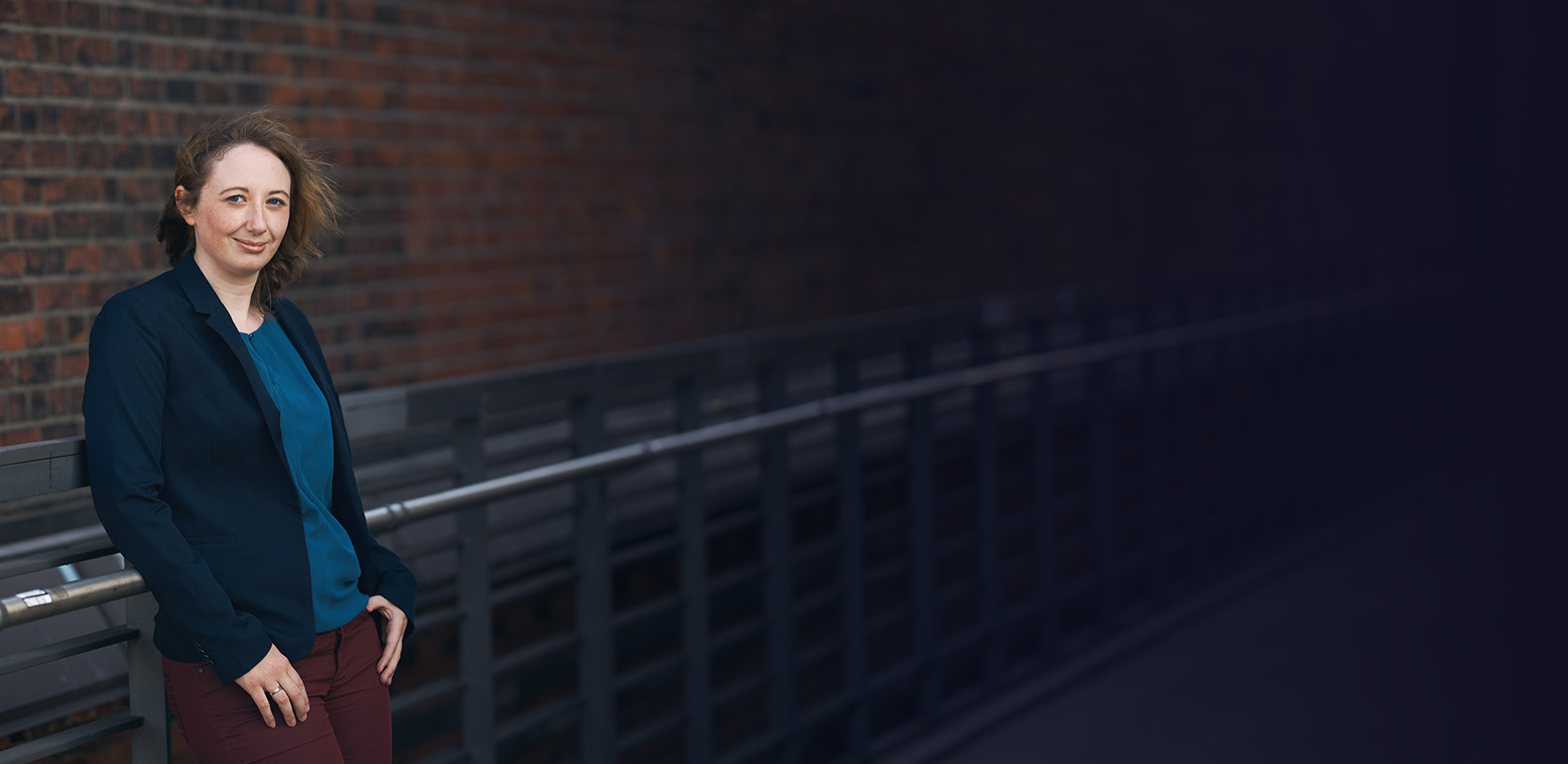
Art Direction / UX-DesignEin Design sollte nicht nur ästhetisch sein, sondern auch klare Ziele verfolgen. In enger Zusammenarbeit mit unseren Kunden gestalte ich nutzerfreundliche Webseiten und Medien, die präzise Ziele erreichen und die gewünschte Zielgruppe effektiv ansprechen. Ich unterstütze unsere Kunden dabei, aus ihrem Unternehmen eine starke Marke zu entwickeln.
AD/UX
Charline-Nana RathjeEin Design sollte nicht nur ästhetisch sein, sondern auch klare Ziele verfolgen. In enger Zusammenarbeit mit unseren Kunden gestalte ich nutzerfreundliche Webseiten und Medien, die präzise Ziele erreichen und die gewünschte Zielgruppe effektiv ansprechen. Ich unterstütze unsere Kunden dabei, aus ihrem Unternehmen eine starke Marke zu entwickeln.


Erfolgsstorys
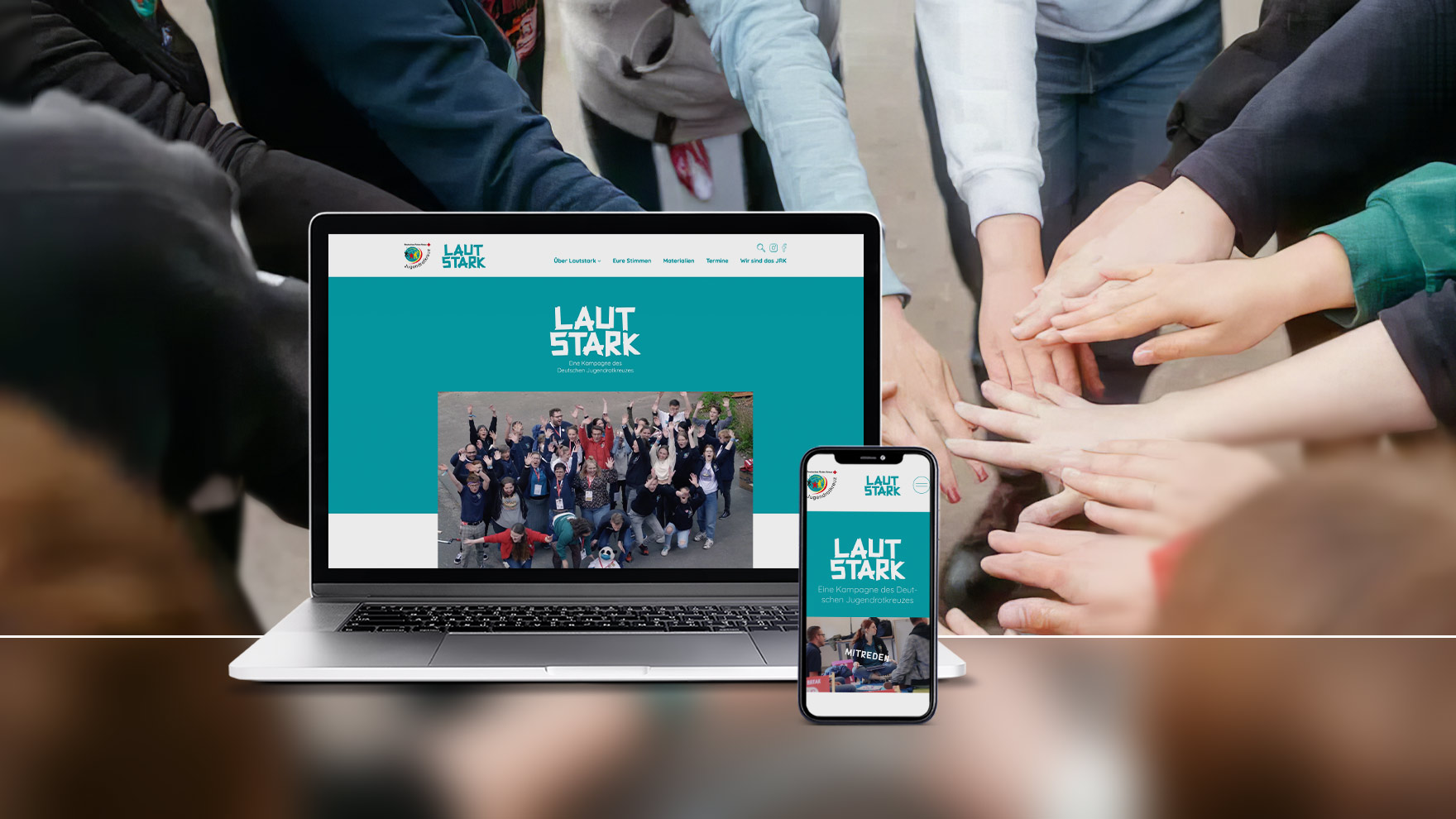
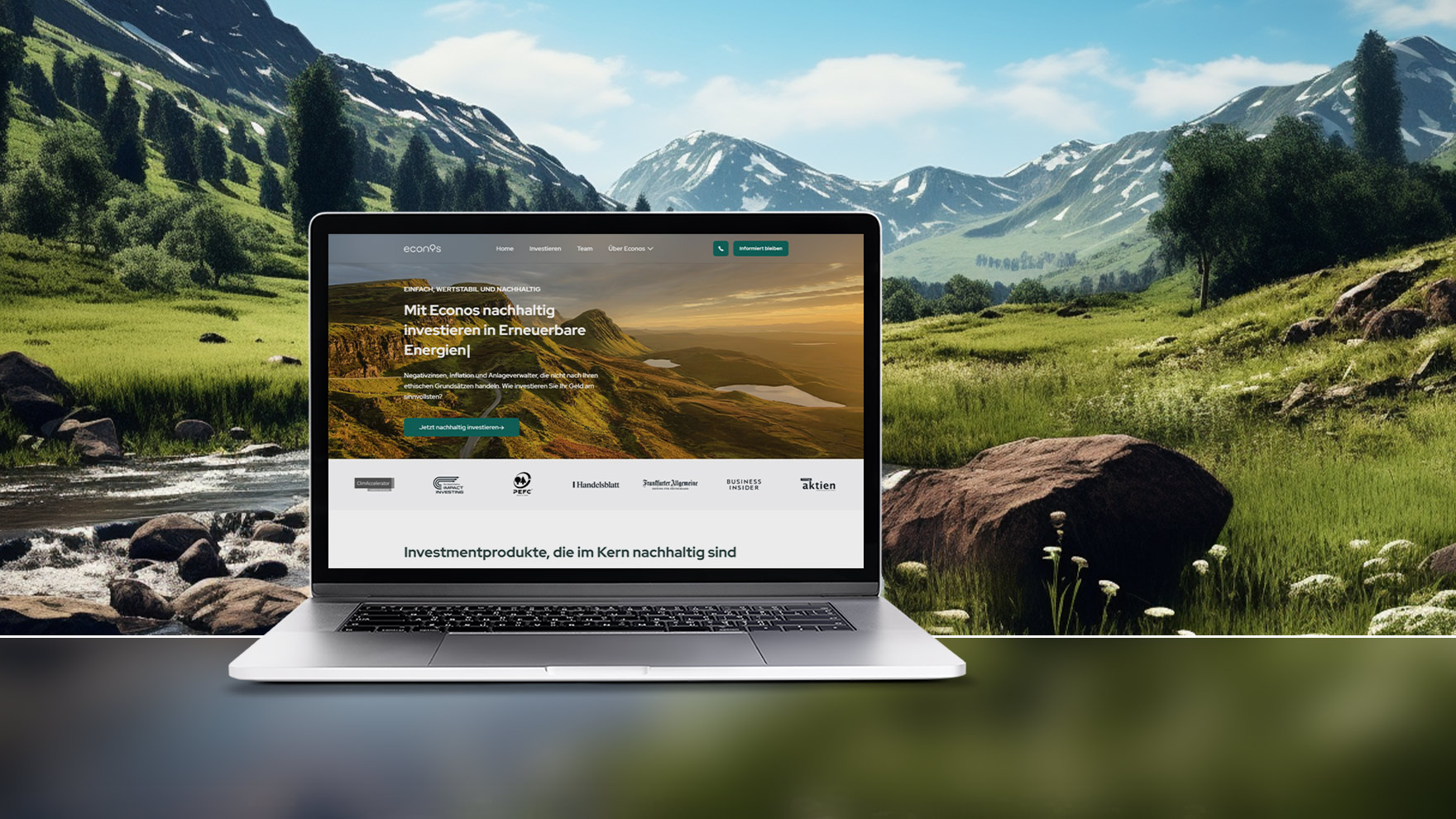
Tauchen Sie ein in bemerkenswerte Geschichten des Erfolgs und der Transformation, die wir gemeinsam mit unseren Kunden geschrieben haben.
Aktuelle Erfolge
Förderung
Nutzen Sie staatliche Förderprogramme wie „go-digital“ und BAFA, um Ihre digitale Transformation zu beschleunigen. Profitieren Sie von finanzieller Unterstützung und Expertenwissen, um Ihr Unternehmen zukunftssicher zu gestalten.
Insights
-

Performance-Boost: ACF-Scripts & CSS ausblenden
Advanced Custom Fields (ACF) ist ein bedeutendes Werkzeug für WordPress-Entwickler. Es ermöglicht die Erstellung maßgeschneiderter Eingabemasken und die Integration dieser Felder direkt im Frontend. Doch trotz seiner Fähigkeiten bringt es einen kleinen Makel mit: Die Verschlechterung des PageSpeeds durch meist unnötige Scripts im Frontend.
-

Die Stärke von Single Purpose Plugins
Ein Single Purpose Plugin ist darauf spezialisiert, eine einzige Aufgabe optimal und ohne überflüssigen Ballast zu erfüllen. Ein Paradebeispiel hierfür ist unser „SV Close Modal on Click Outside for Navigation Block“.
-
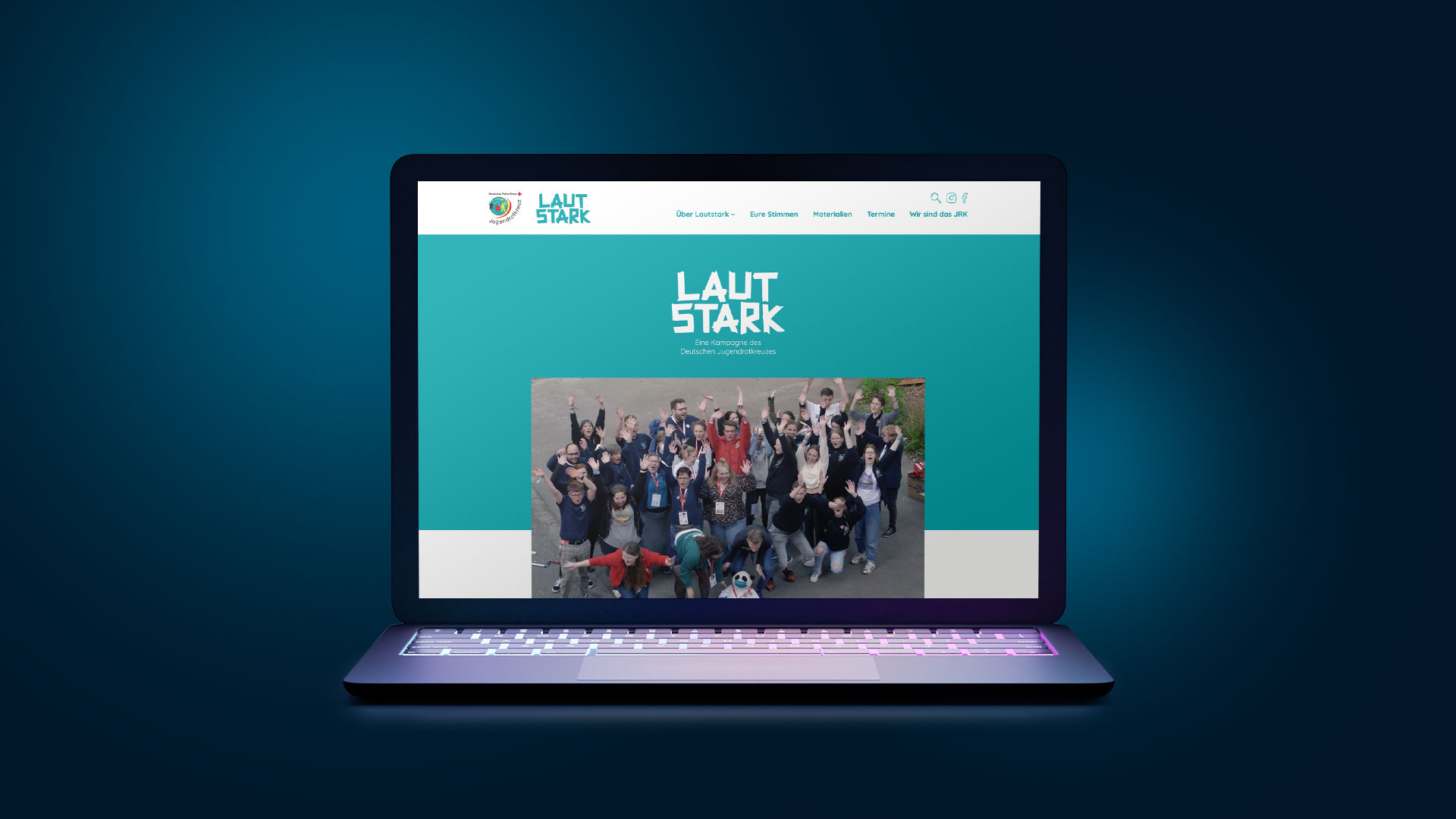
Erfolgsgeschichte: Lautstark JRK
STRAIGHTVISIONS arbeitete eng mit Sherpa Design zusammen, um ein herausragendes Screendesign in eine funktionale WordPress-Website zu transformieren. Die Zusammenarbeit beider Unternehmen resultierte in einer nahtlosen und visuell ansprechenden Webpräsenz.